Put film in your
phone.
Every photo goes through a real film look, live in the camera or later in the darkroom. Your original is always kept.
Straight out of the app.
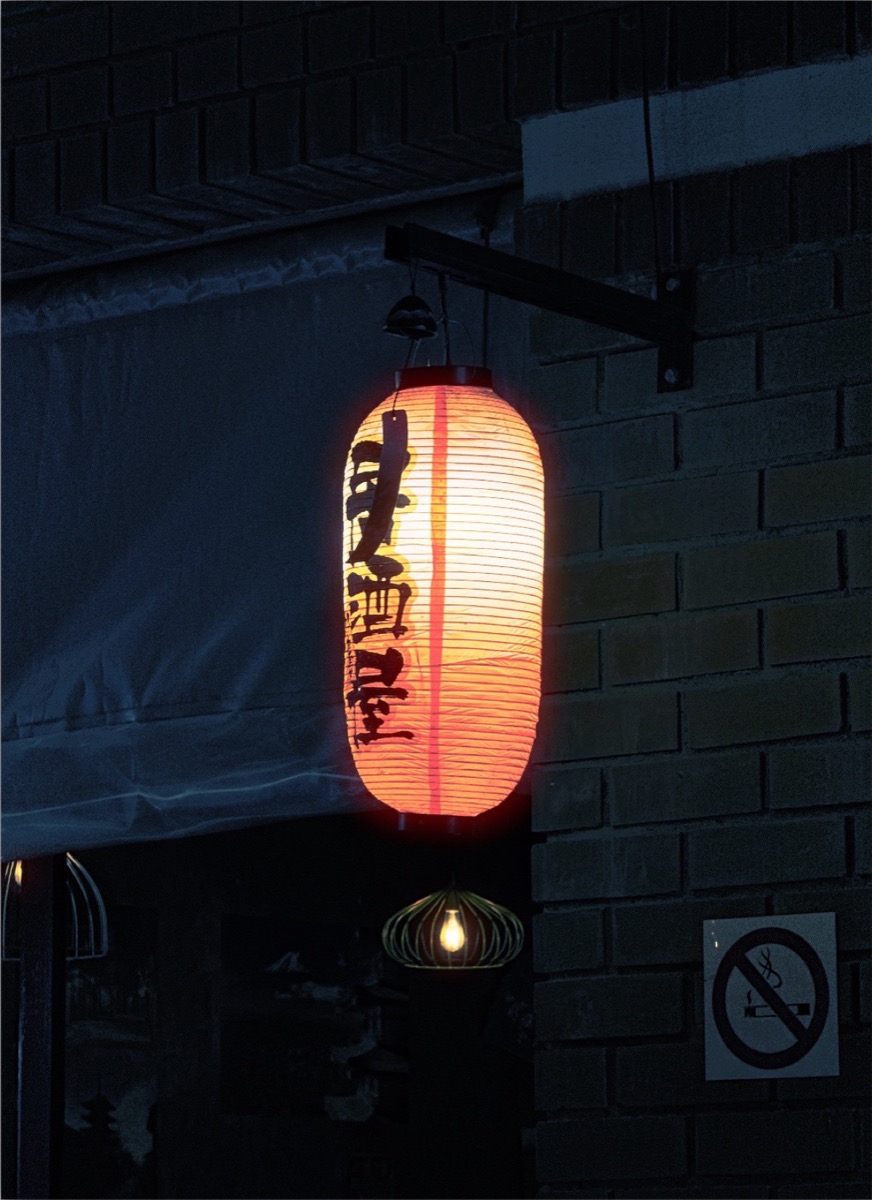

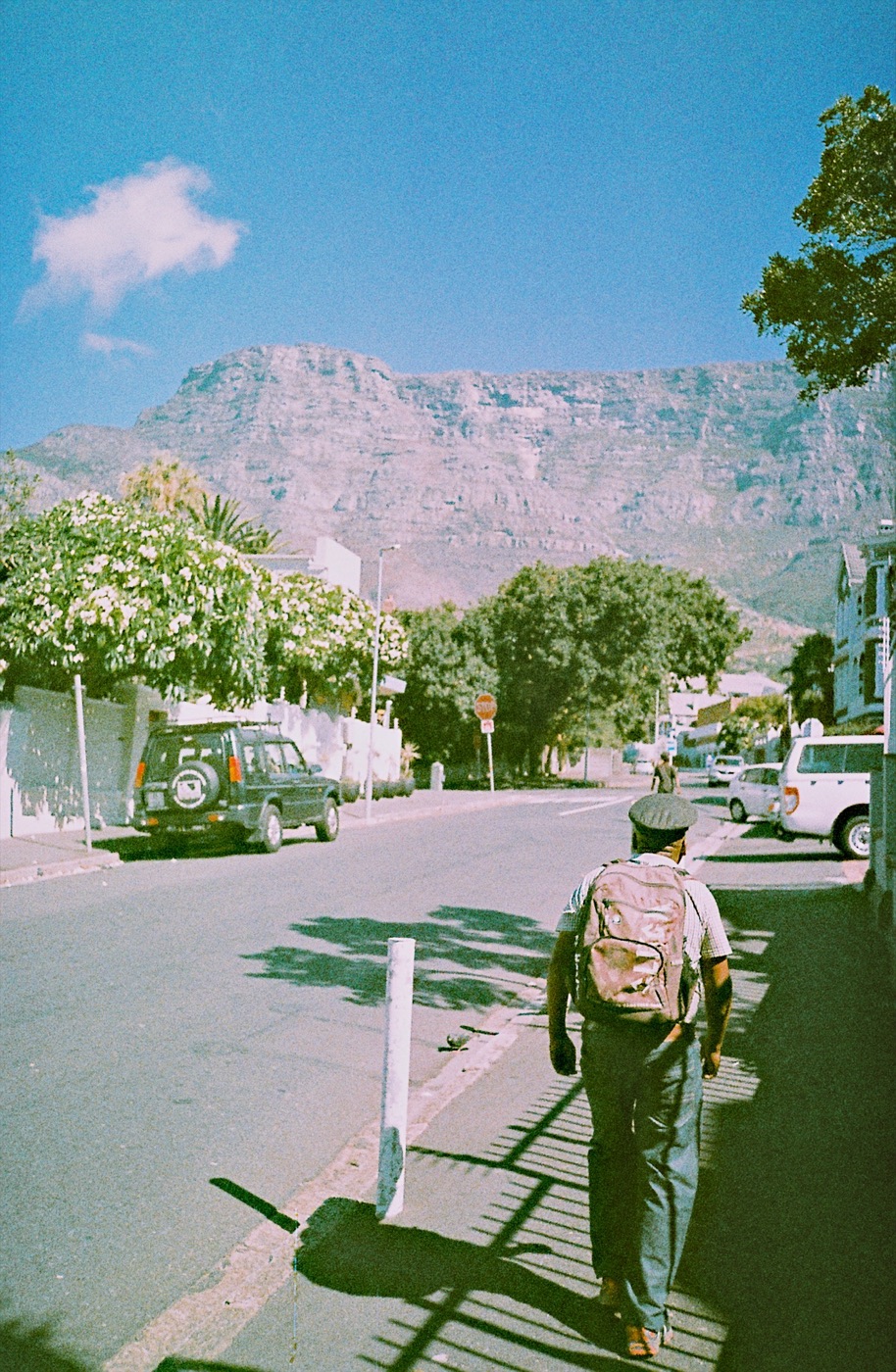


The darkroom, minus the wait.
-
1Shoot or import
Use the camera with the film live in the viewfinder, or open a photo you took last year.
-
2Develop it
Exposure, colour, grain and halation, set by hand like you're under the safelight.
-
3Keep it
Save full quality to your photo library, with the capture details intact.
Fig. 2
Your first roll is on us.
Shoot and edit all you like; the first five exports are free. After that, one purchase unlocks every film for good. No account, nothing renews, and the first hundred buyers get the founding price.
Free downloadQuestions
How does Simul give photos a film look?
Pick a film-inspired look in the live camera or apply one to photos you've already taken. Each look is built from a film recipe of colour, contrast and grain, and you can fine-tune exposure, colour, grain, halation and more in the darkroom.
Is it a subscription?
No. Your first five exports are free; after that, one purchase unlocks every film and every export for good. Nothing renews and there's no account to create.
Are my photos uploaded anywhere?
No. Your photos are edited on your device and we never receive them. On iPhone you can optionally turn on iCloud Sync to back up your library to your own iCloud account.
From the journal
Every guide
Notes from the studio
Now and then, one short note on the decisions and tests behind Simul.
Unsubscribe any time.