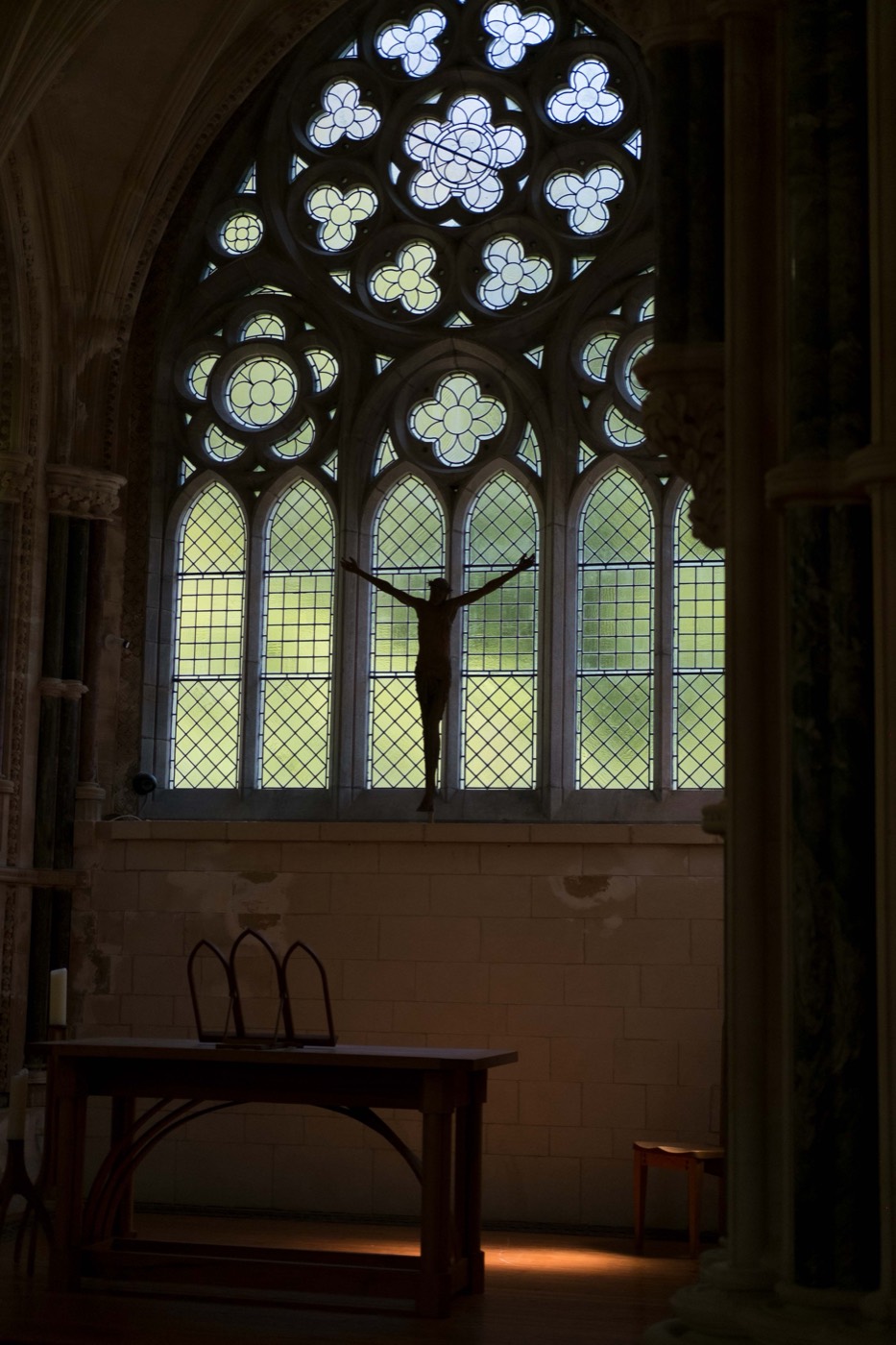
The edit is a sequence
When an image feels flat, it is tempting to adjust everything at once. That makes it hard to understand what helped and what hurt. A calmer sequence is light first, colour second, texture last.
Work through them one at a time and you will be able to stop as soon as the photo feels right.
Contrast decides the shape
Contrast controls the distance between the brightest and darkest parts of your image. Increasing it can give a street scene punch and make a portrait feel more defined. Reducing it can make an image feel softer and more forgiving.
Start modestly. Watch the important edges: eyes, window frames, faces, and the boundary between light and shadow.
Warmth decides the atmosphere
Warmth changes how the light feels. It is not simply a way to make every image golden. A warmer edit can support an evening scene, wood, skin, candlelight, or summer sun. A cooler edit can strengthen rain, chrome, and blue hour.
Move warmth until the photo starts to feel like the memory of the scene, then come back a little. That small return is often what keeps the colour believable.
Grain decides the surface
Grain adds texture. It can soften the clinical edge of a digital file and make a simple photo feel more physical. It cannot repair weak light or make an unrelated colour treatment feel like film.
Use grain last and at a level that is visible only after you look for it. Texture should make the image feel held together, not worn out.
A practical five-minute workflow
Choose a Simul preset close to your intended mood. Set exposure. Adjust contrast in a small move. Adjust warmth in a small move. Add grain at the end. Then compare with the original before you export.
If the edited version does not preserve what made the original worth taking, undo the last adjustment. The strongest film-style edits do not replace a photograph. They help it speak in a more deliberate voice.