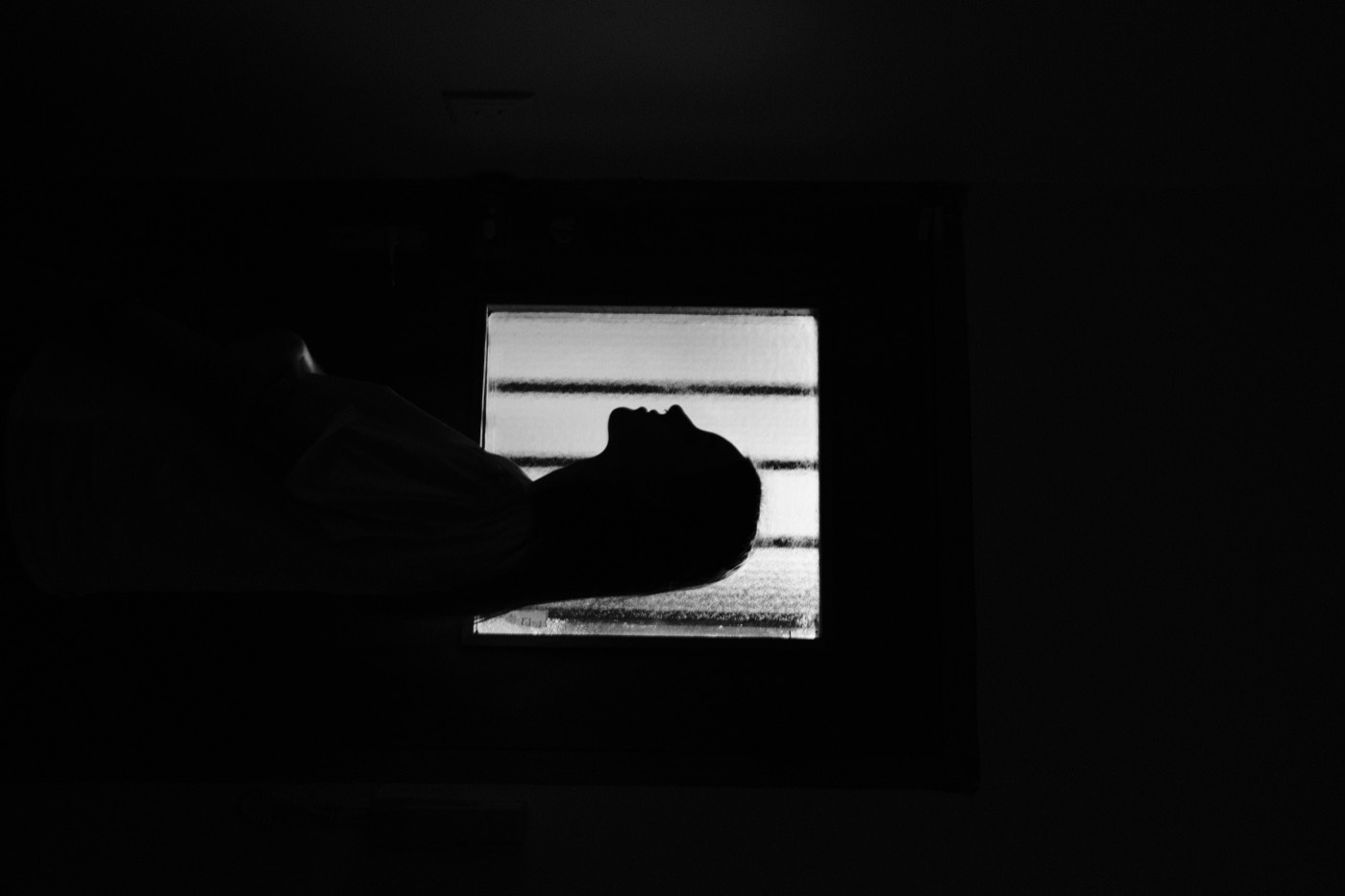
Film style starts before the edit
A film-inspired photo is not created by throwing grain over a sharp image. The edit works best when the original already has something to preserve: a good pocket of light, a clear subject, a little atmosphere, or an honest colour relationship.
Before opening an editor, look for simple scenes. Window light, overcast streets, a late-afternoon portrait, a table near a lamp, or a strong shadow on a wall all give a film-style treatment something to hold onto.
Choose one feeling, not five effects
Ask what you want the image to feel like. Soft and faded? Cool and quiet? Warm and slightly nostalgic? Contrast is useful, but it should support that feeling rather than compete with it.
In Simul, start with a film-inspired preset that is close to the mood you want. The best preset is often the one that changes the image just enough to make the original light feel intentional.
Set the exposure before the texture
Exposure is the foundation. If the image feels too bright and clinical, bring it down gently. If the face has disappeared into shadow, lift it enough to keep the person present. Avoid pushing every part of the image into the middle.
Make one exposure adjustment, then stop and look. If the photo already feels more coherent, do not keep moving sliders just because they are available.
Let colour shift quietly
A good film look rarely depends on one loud colour cast. Adjust temperature and colour balance until the image has a believable atmosphere. Warm light can feel like late afternoon; a cooler balance can make rain, concrete, or fluorescent interiors feel calmer.
Watch skin tones and neutral surfaces. If a white wall turns aggressively yellow or a face becomes orange, the edit has gone too far. The goal is character, not a filter that announces itself.
Use grain as a finishing layer
Grain works when it gives the image a little texture and takes the edge off digital perfection. Add it after the exposure and colour feel right. At a small size it can make a photo feel tactile. At a large size it becomes the subject.
Export, leave the image for a minute, then look again. If the first thing you notice is the grain, reduce it. The subject and the light should always arrive first.