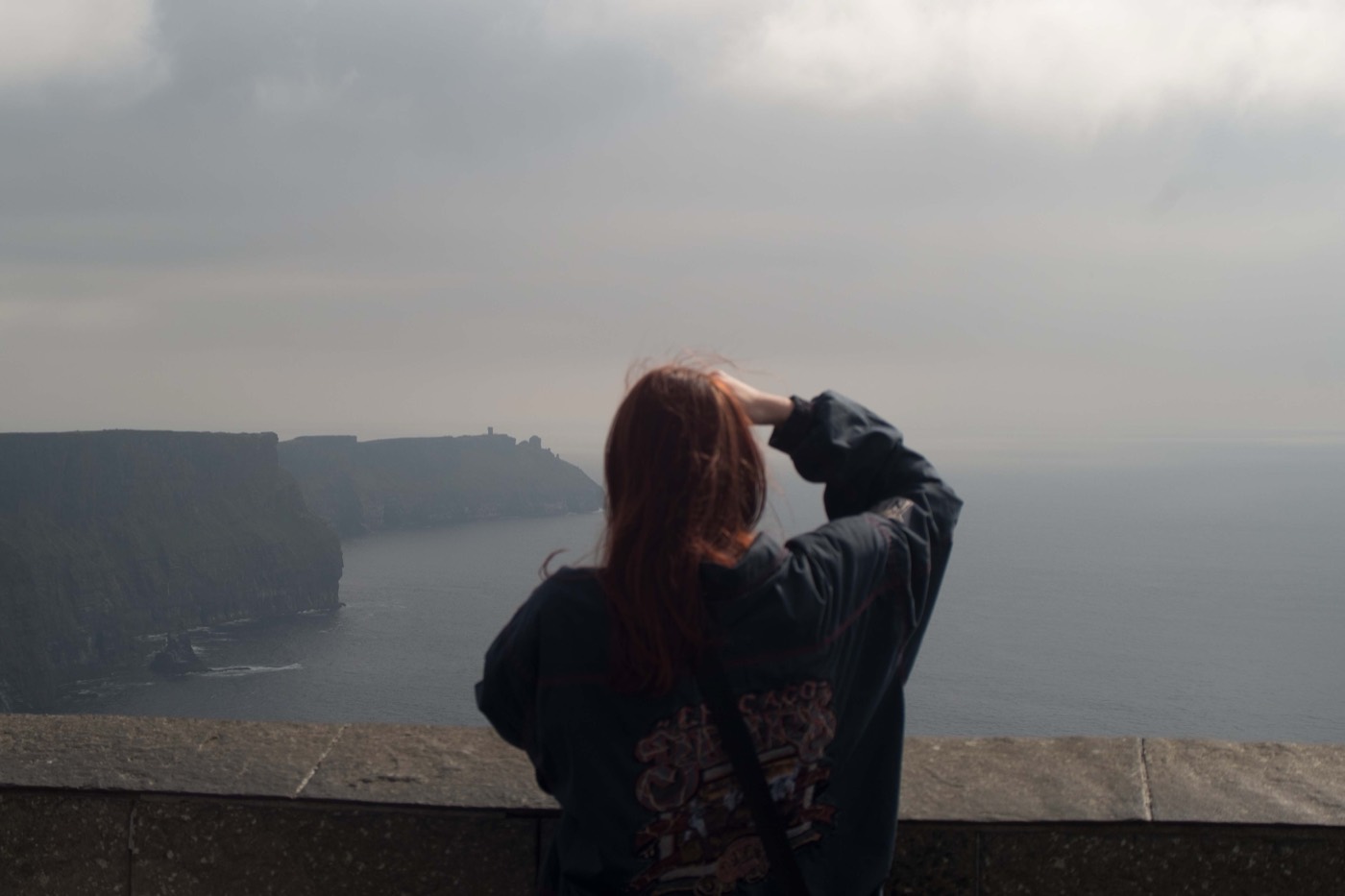
Finish one photograph
A camera roll makes every image feel equally available, which can turn editing into endless comparison. Start by choosing one photograph with a clear reason to finish it: the light, the person, the gesture, the colour, or the memory attached to it.
Do not begin with the technically perfect file by default. Begin with the frame you would be disappointed to lose. A calm workflow is less about speed than about reducing the number of decisions competing for attention.
Set the crop before the mood
Choose the composition and destination early. Decide whether the original shape is doing useful work or whether a square, portrait, landscape, or Story-friendly crop makes the subject clearer.
Cropping after a detailed edit can change the balance of light and colour you have been judging. Set the edges first, check that the subject has room, and remove anything that pulls attention away from the reason you chose the photograph.
Choose one preset and solve the light
Preview a few film-inspired directions, then commit to the one that preserves the important light. Treat it as a starting point rather than reopening the preset list after every adjustment.
Set exposure first. Then shape contrast, highlights, shadows, whites, and blacks only where the photograph needs them. Keeping this stage about light makes it easier to understand whether the edit is becoming clearer or merely busier.
Shape colour, then add texture
Once the tonal structure is settled, adjust warmth and tint around the subject and the real atmosphere of the scene. Use vibrance or saturation carefully; the goal is a relationship between colours, not maximum intensity.
Add clarity, vignette, grain, or other surface character near the end. Texture should support the feeling created by the light and colour. If it becomes the headline of the photograph, step it back.
Frame for the place it will live
Leave the image unframed if it already fills the screen with confidence. Choose white, black, colour, Polaroid, or 35mm only when that treatment helps the photograph work in a message, Story, sequence, or print-like presentation.
Check the result at the size someone will actually see it. A frame that feels subtle while editing can become dominant on a phone. The subject should still be the first thing the eye finds.
Compare, export, and stop
Compare the finished edit with the original and ask one question: did the process preserve why you chose this frame? If the answer is yes, select an output size that fits the destination and export the photograph.
Then let the image leave the editor. Share it, save it, or place it in the sequence you intended. Finishing is part of the photographic process; a clear stopping point keeps the camera roll from becoming a collection of permanently unfinished decisions.