





What the Tri-X look actually is
Tri-X is a fast black-and-white film. Fast means it needs less light, and the trade-off is texture: larger, more sensitive silver crystals show up in the print as grain.
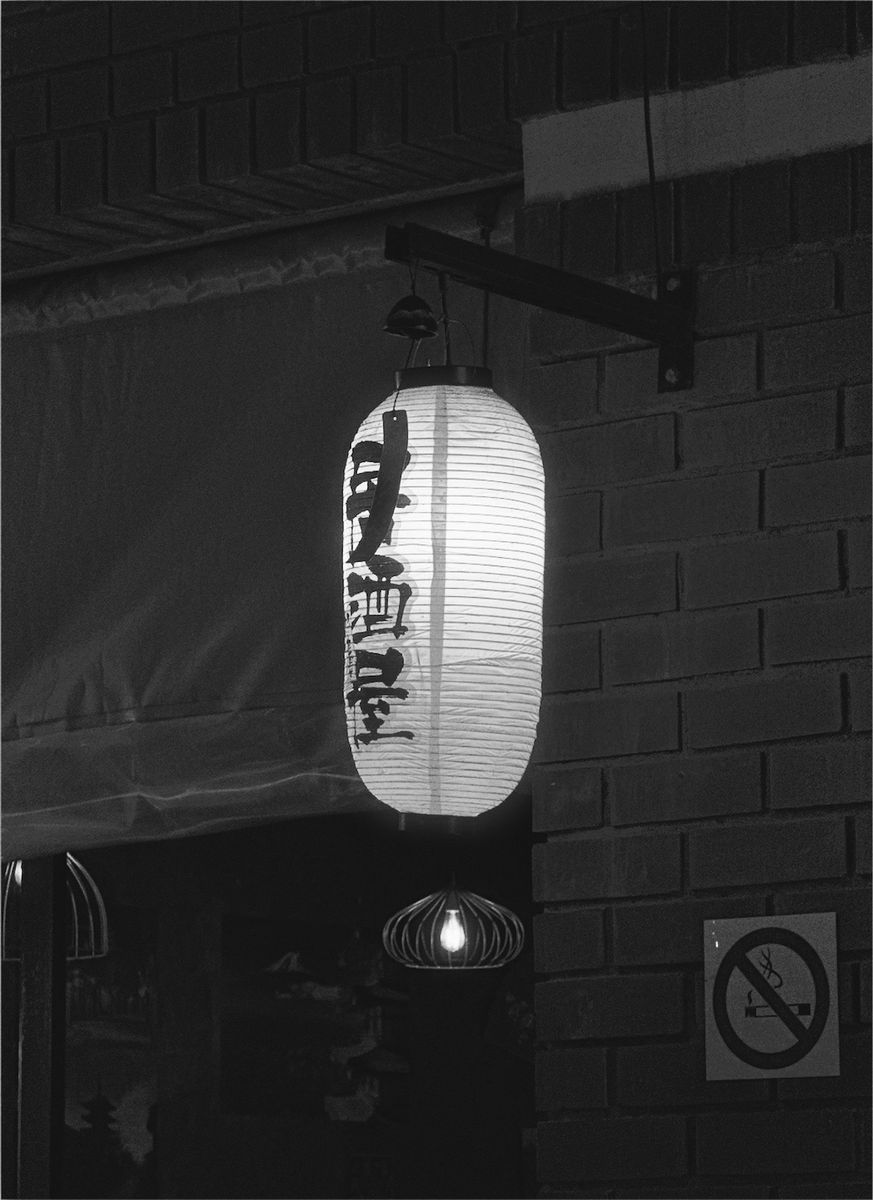
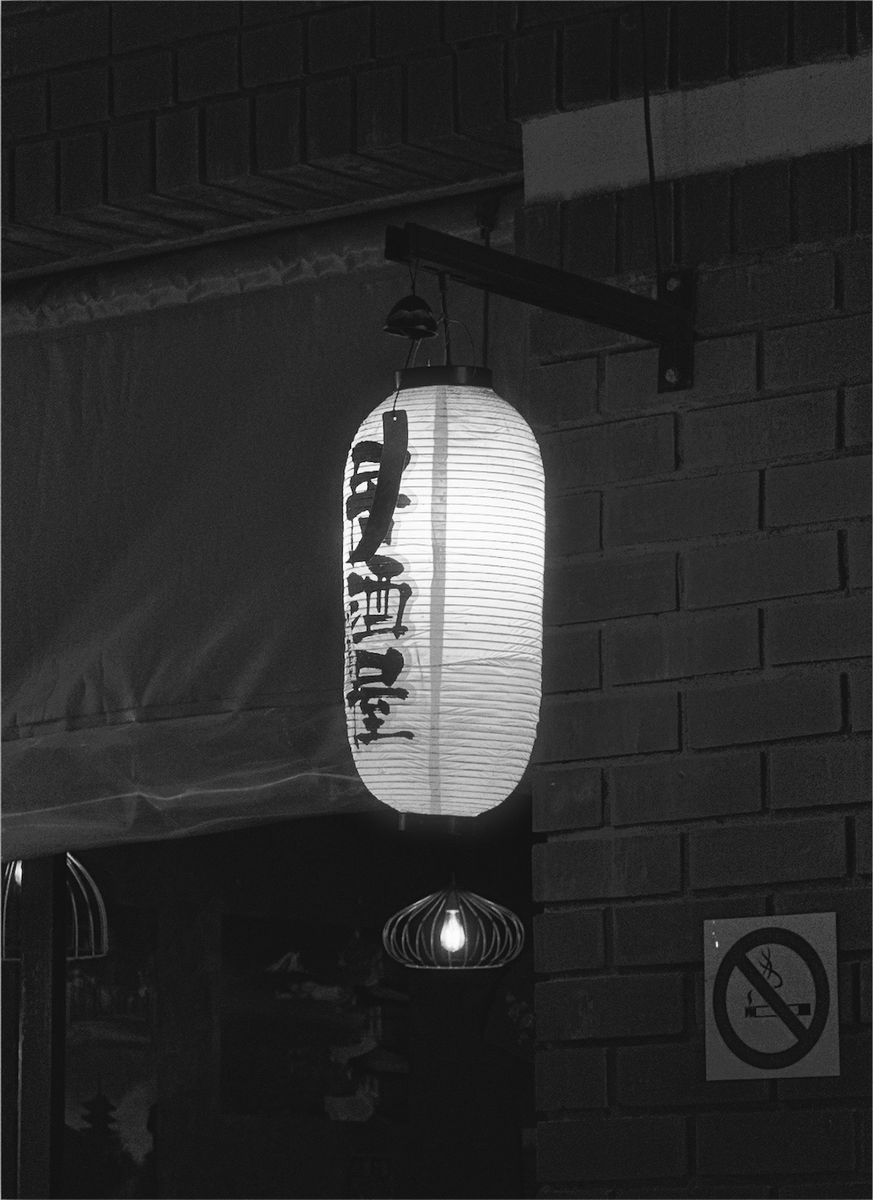
The look people associate with it comes from three things together: strong contrast, blacks that are allowed to go fully black, and grain that sits on the image instead of hiding. Push-processing, which photographers used to get more speed in bad light, made all three stronger.
Why it looks that way: a short history
Tri-X started around 1940 as a sheet film for large press and studio cameras. In 1954 Kodak released it as 35mm and 120 roll film, putting a fast film into small, quick cameras for the first time.
Around 1960 its rated speed doubled from 200 to 400. The film didn't change: the American standard for measuring film speed did. Kodak publishes development times for rating Tri-X as high as 1600 and 3200, at the cost of harsher contrast and coarser grain.
That forgiveness made it the everyday working film of Vietnam-era press photography and of street photographers in a hurry. In 2007 Kodak moved production to a new coating facility and the film became 400TX. Kodak said the results stayed the same, but it isn't chemically the 1954 film.
Tri-X vs HP5
Ilford HP5 Plus is Tri-X's long-running rival at the same speed. Photographers often describe Tri-X as having more bite and HP5 as a little softer. Both push well. In Simul you can try both looks on the same photo and keep the one that suits it.
How to get the look in Simul
- Shoot with the live Tri-X preview in Simul's camera, or import a photo you've already taken.
- Pick Kodak TRI-X 400 from the film looks. Try TRI-X 320 for a slightly gentler version.
- In the darkroom, raise contrast if you want harder blacks, and adjust the grain until it sits on the image the way you like.
- Export at full quality. Your original is kept, so you can always go back.
Tri-X suits hard light, night streets, faces in window light and anything with strong shapes. Flat, grey scenes can look muddy in black and white, so look for contrast before you shoot.
Free downloadQuestions
Is there a Kodak Tri-X filter for iPhone?
Simul Studio has a Kodak TRI-X 400 look for iPhone and Android, inspired by the film's contrast and grain. You can use it live in the camera or apply it to photos you've already taken.
Is Tri-X the same film it was in 1954?
No. Its speed rating changed around 1960 without the film changing, and in 2007 Kodak reformulated it as 400TX while aiming to keep the same look.
What's the difference between the Tri-X and HP5 looks?
Tri-X is usually described as punchier, with more bite in the contrast; HP5 is a little softer. Try both on the same photo in Simul and compare.
Can I add more grain?
Yes. Grain is adjustable in Simul's darkroom, and every edit is non-destructive.