

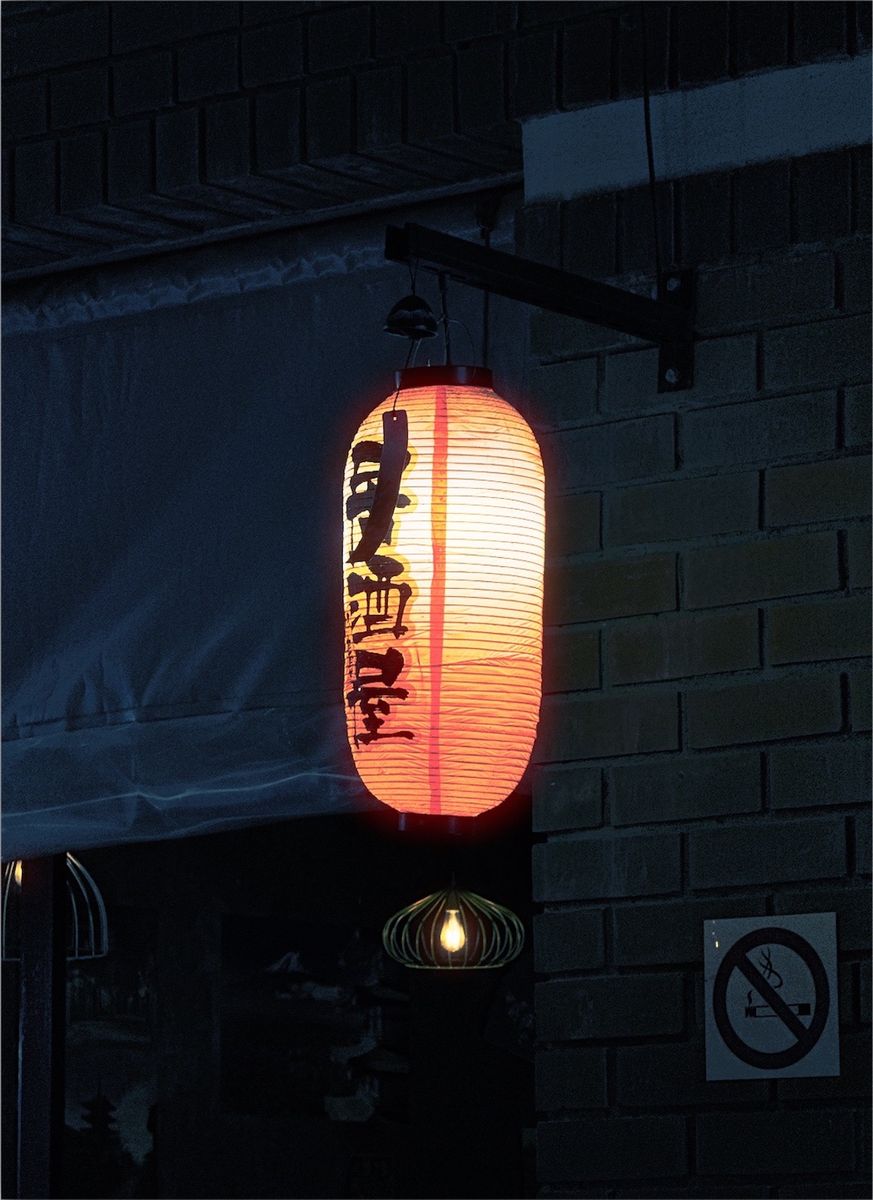
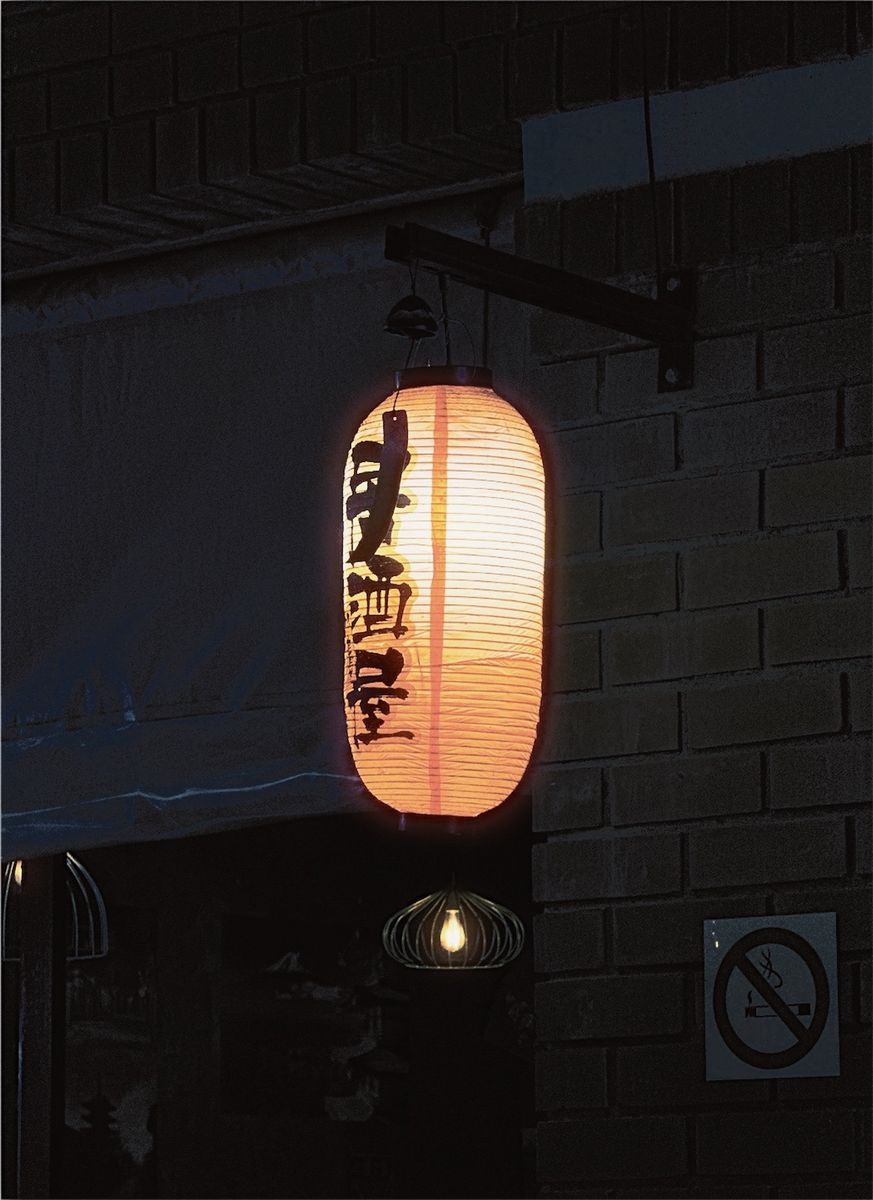
What Fuji Superia 400 actually is
Superia was Fujifilm's range of consumer colour negative film, the everyday stock sold in supermarkets, chemists and photo shops rather than to professionals. It came in several speeds, from slow ISO 100 to fast ISO 1600, and ISO 400 was the all-rounder: fast enough for indoor light and cloudy days, fine enough for holiday prints.
It is developed in standard C-41 chemistry like any colour negative film. The best-known version is Superia X-TRA 400, which is also the film inside Fujifilm's QuickSnap single-use cameras. That is a big part of why the look feels familiar: many people's party and holiday photos from the past few decades were shot on it.
Why Superia photos look the way they do
Where Kodak's consumer films lean warm and golden, Superia leans cool. Greens come out rich, blues are clean, and shadows often carry a faint green or cyan tint. Skin stays natural rather than glowing, which gives Superia photos a fresher, more matter-of-fact feel than Kodak Gold.
Grain is visible but not heavy at ISO 400. It shows in skies, shadows and flat walls, and it gets stronger in dim light or when a frame is underexposed. Contrast is moderate, so pictures look punchy without losing detail in faces. Together, those things give Superia its everyday snapshot quality: honest colour, a little texture, nothing too polished.
Superia compared with Kodak Gold, Portra and Ektar
Kodak Gold 200 is the closest rival in spirit, another consumer film for everyday photos. Gold is warmer and more nostalgic, with yellow and orange tones. Superia is cooler and greener. If Gold looks like late afternoon, Superia looks like a bright, slightly overcast day.
Kodak Portra 400 is a professional film built for skin, softer and more forgiving than Superia. Kodak Ektar 100 is far more saturated, with much finer grain. Superia sits between them: more colour and grain than Portra, less intensity than Ektar, and a cooler palette than either.
Where the look works, and where it doesn't
Superia suits everyday life: friends, family, parties, trips, street scenes, parks and gardens, anything that should look like a real moment rather than a polished image. It is especially good with greenery and blue skies, and it pairs naturally with direct flash for the single-use camera look.
It is less suited to sunsets and golden-hour portraits, where its cool bias works against warm light. For those, a warmer look such as Kodak Gold 200 or Portra 400 usually fits better. In very dim light the grain builds up quickly, which can be part of the charm, or too much for a clean portrait.
The Superia variations in Simul
Simul's Fuji Superia 400 look comes in four versions: the standard look, a minus version with lighter grain, and two plus versions with heavier grain. The colour stays the same across them, so you can pick the amount of texture you want without changing the mood of the photo.
The Fujifilm group also has Superia 100, Superia 800 and Superia 1600, each with the same set of versions. Superia 100 has the least grain and Superia 1600 the most, which makes it a good pick for night photos. All of them work in the live camera or on photos you have already taken, and grain stays adjustable in the darkroom.
How to get the look in Simul
- Pick a photo of an everyday moment: people outdoors, a trip, a garden, a street on a bright day.
- Open it in Simul Studio, or shoot through the live camera, open the Fujifilm group and pick Fuji Superia 400.
- Start with the standard version. For a cleaner look try the minus version or Superia 100; for more texture try a plus version or Superia 1600.
- Fine tune the grain in the darkroom if you need to, then export.
Superia likes natural, even light and plenty of green or blue in the frame. For the single-use camera look, shoot with your phone's flash on and, on iPhone, add a date stamp. Edits are non-destructive, so you can always go back to the original.
Free downloadQuestions
Is there a Fuji Superia filter for iPhone?
Simul Studio has film-inspired Fuji Superia 100, 400, 800 and 1600 looks, each with versions that step the grain up or down. Use them in the live camera or on photos you've already taken, on iPhone or Android.
What's the difference between Superia 400 and Kodak Gold 200?
Both are consumer colour negative films for everyday photos. Superia 400 is cooler, with richer greens and cleaner blues. Gold 200 is warmer, with yellow and golden tones. Superia suits bright days and greenery; Gold suits sunshine and warm light.
Is Superia 400 the film in disposable cameras?
Fujifilm's QuickSnap single-use cameras use Superia X-TRA 400, which is why the look is so tied to party and holiday photos. Our disposable camera guide shows how to get the full single-use look.
Do I need a subscription?
No. Simul Studio is free to download and try, with no subscription and no account.