


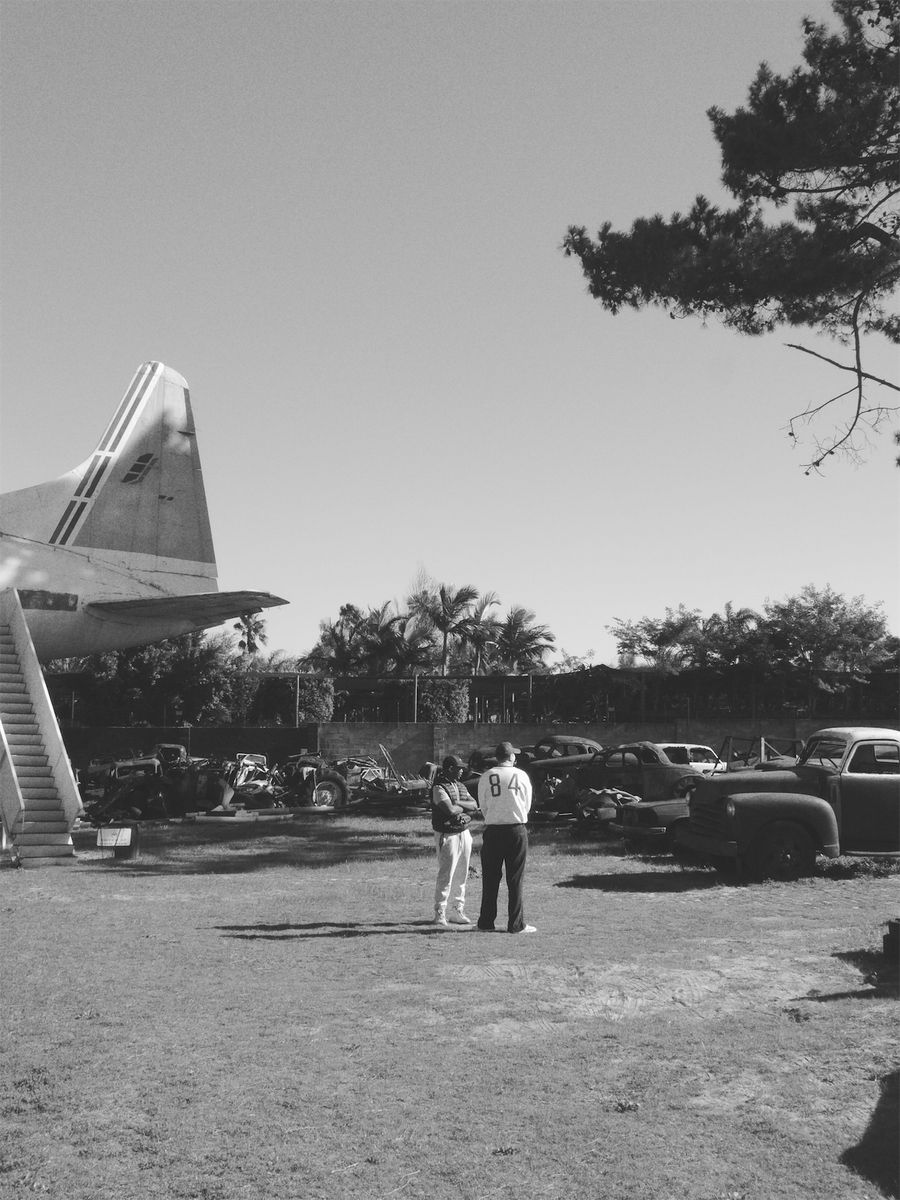

What Ilford HP5 Plus actually is
HP5 Plus is an ISO 400 black and white negative film made by Ilford in England. Ilford first sold HP5 in the 1970s, and the current Plus version has been on sale since 1989. It is developed in ordinary black and white chemistry, which is one reason it became a favourite with students, newspaper photographers and anyone who develops film at home.
Its other big strength is flexibility. HP5 Plus is well known for being pushed: photographers rate it at 800, 1600 or even 3200 and develop it for longer to cope with dark rooms and night streets. Pushing adds contrast and grain, and a lot of the gritty HP5 photos people picture were made that way.
Why HP5 photos look the way they do
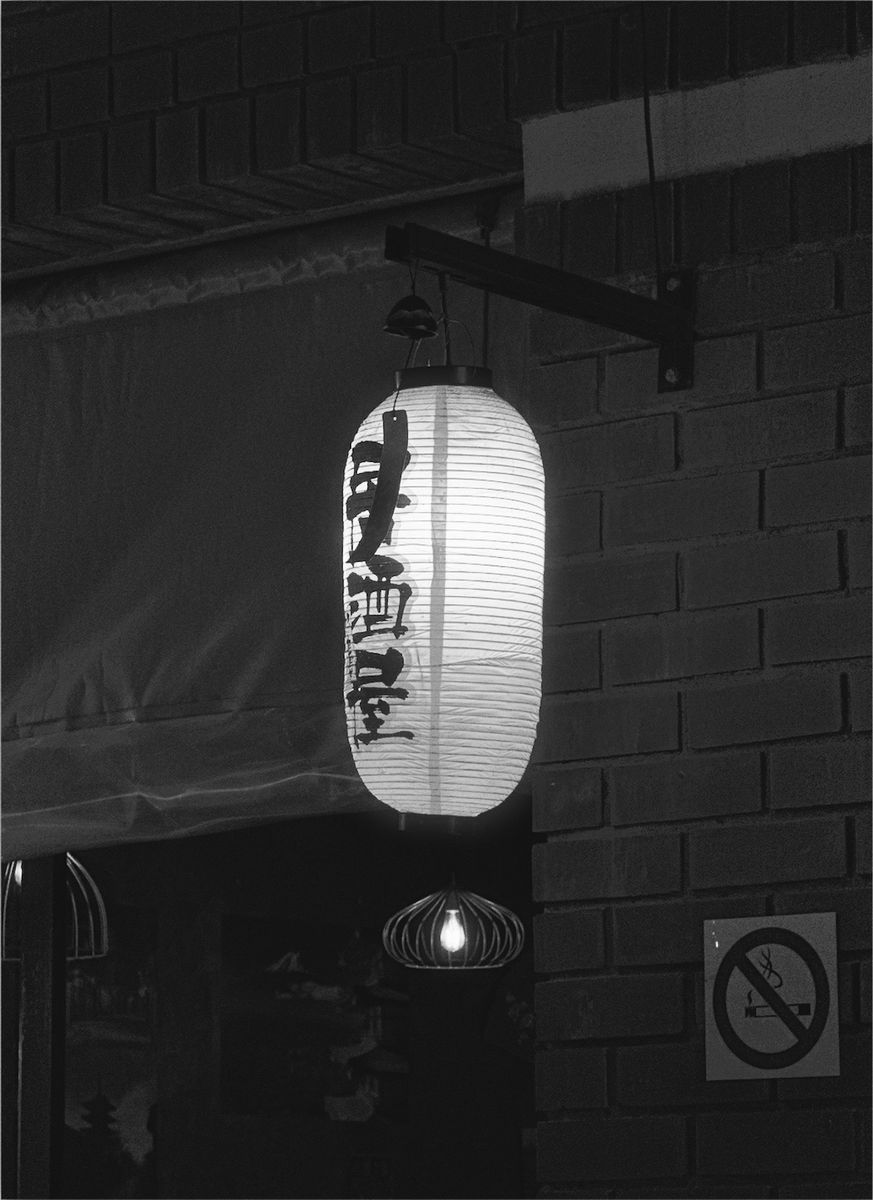
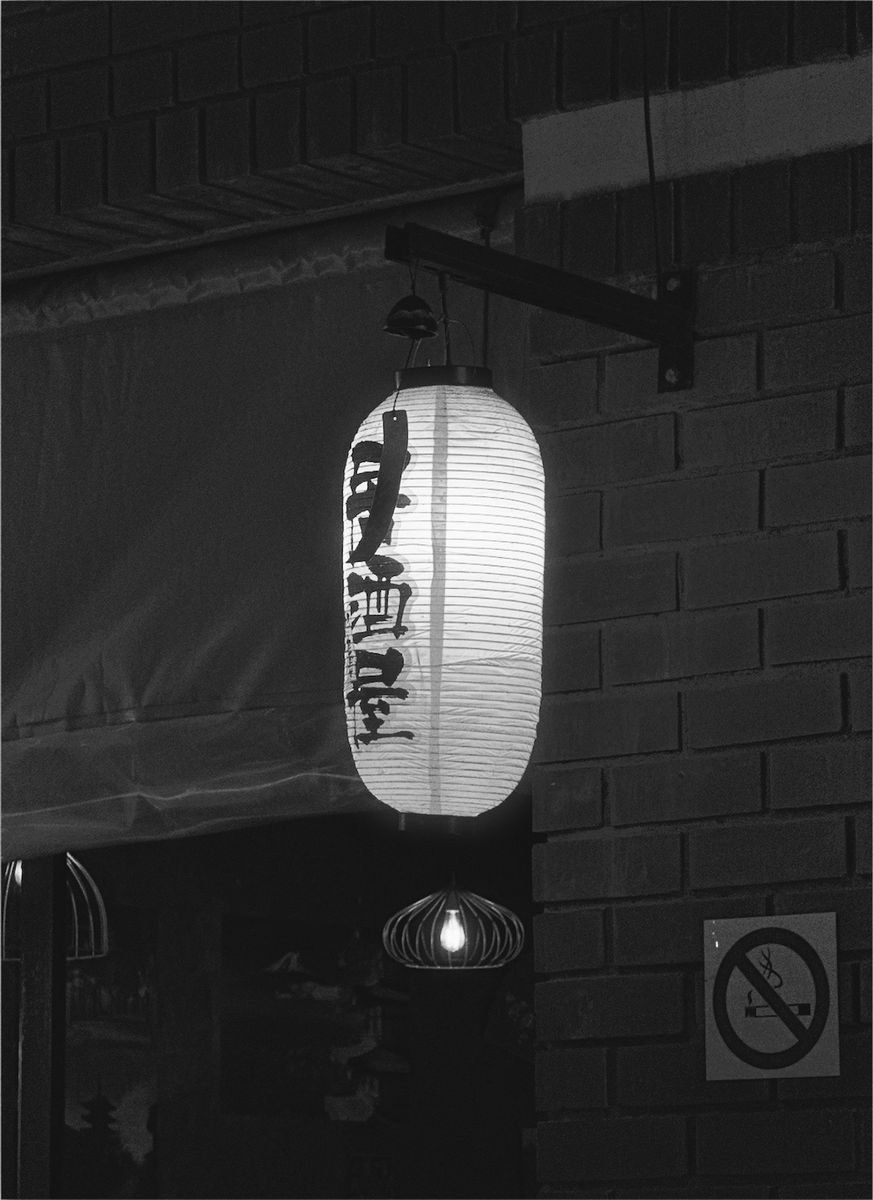
At box speed, HP5 is softer than its reputation. Mid tones have room to breathe, shadows keep some detail instead of dropping straight to black, and highlights roll off gently. The result feels calm and a little old fashioned, rather than graphic.
Grain is the other half of the look. At 400 speed it is clearly visible, especially in skies and plain walls, but it is even and fine enough that faces still read well. It gives a photo texture, so a clean phone picture stops looking quite so digital.
HP5 compared with Tri-X and other Ilford films
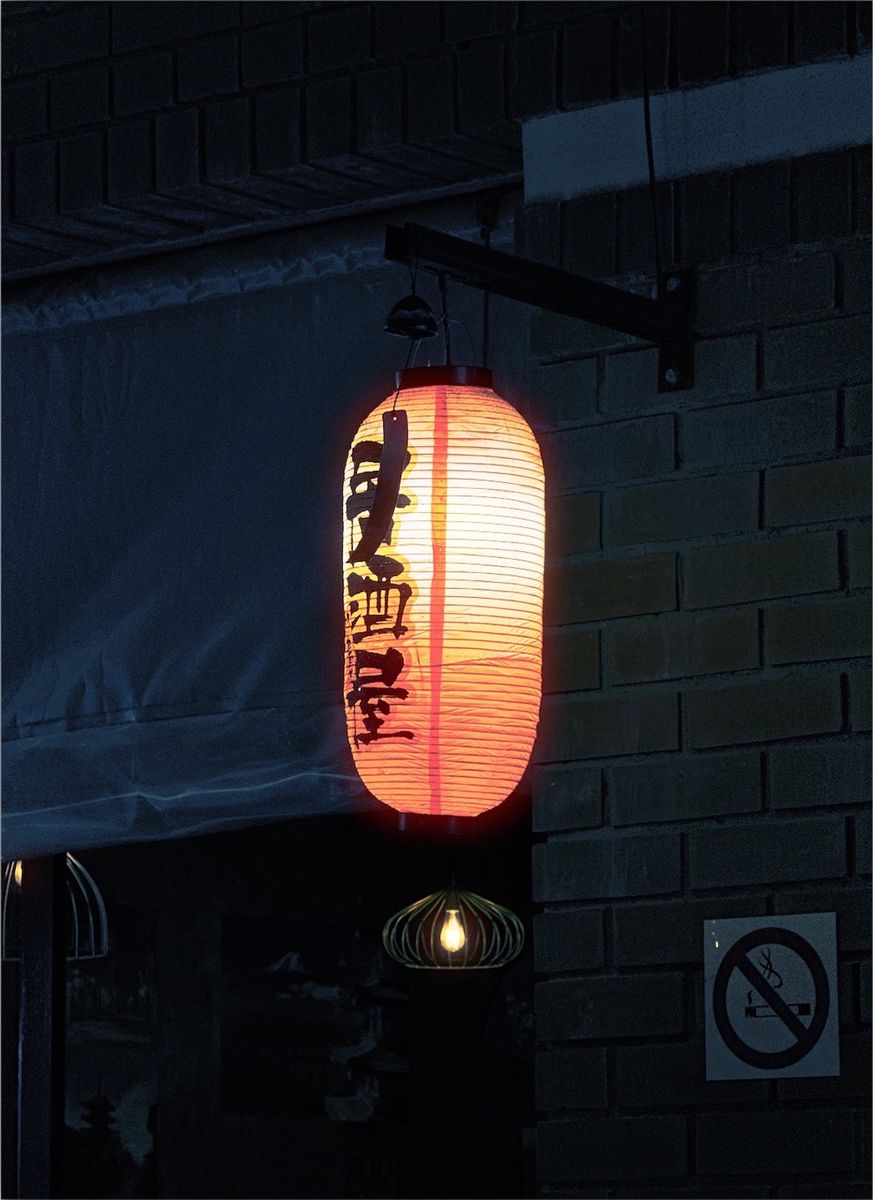
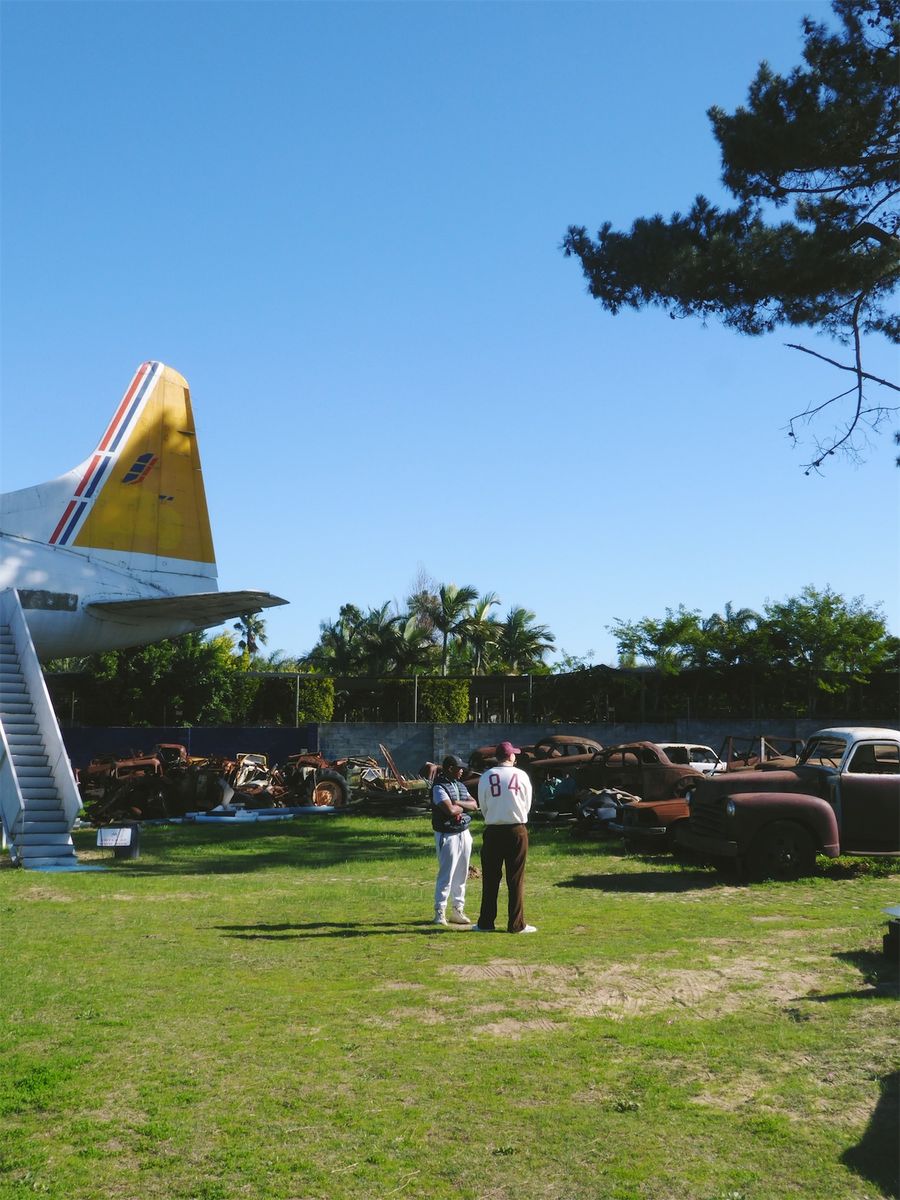
Kodak Tri-X 400 is HP5's obvious rival at the same speed. Photographers usually describe Tri-X as punchier, with deeper blacks and more bite, and HP5 as a little softer and more forgiving. The comparison images on this page show the same photos through both looks in Simul Studio, so you can judge for yourself. The Kodak Tri-X 400 guide goes deeper on that film.
Simul also has two other Ilford looks. Ilford Pan F Plus 50 is a slow film with finer grain and a smoother, cleaner feel, good for bright daylight and still subjects. Ilford Delta 3200 sits at the other end, with heavier grain for a darker, moodier result.
Where the look works, and where it doesn't
HP5 suits real life. Street photography, documentary moments, portraits in window light, travel, gigs and anything with strong shapes of light and shade all work well. Because the look is gentle, it is also kind to skin and to busy scenes that would turn harsh with a high contrast film.
It is less convincing on photos that rely on colour to make sense, like a sunset or a plate of food, and on very flat, grey light, where the soft contrast can leave the picture looking dull. In flat light, try a stronger HP5 version or the Tri-X look for more snap.
The HP5 variations in Simul
Ilford HP5 comes in four versions. The standard version is the place to start. The lighter version uses a little less grain and lifts the shadows, for a softer and more open feel. The two stronger versions add more grain, closer to the pushed HP5 look.
Every version is black and white, and all of them work in the live camera or on photos you have already taken. Grain stays adjustable in the darkroom, so you can fine tune it after picking a version.
How to get the look in Simul
- Pick a photo with clear light and shade. Window light, side light and late sun all help black and white.
- Open it in Simul Studio, or shoot through the live camera, open the Ilford group and pick Ilford HP5.
- Try the standard version first. If it feels too soft, step up to a stronger version; if it feels too gritty, use the lighter one.
- In the darkroom, adjust grain to taste and export.
Black and white is about light, not colour, so judge a photo by its shapes and contrast before you edit it. A scene that looked ordinary in colour can come alive in HP5 if the light was interesting. Edits are non-destructive, so you can always go back to the original.
Free downloadQuestions
Is there an Ilford HP5 filter for iPhone?
Simul Studio has film-inspired Ilford HP5 looks, a standard version plus lighter and stronger variations. Use them in the live camera or on photos you've already taken, on iPhone or Android.
What's the difference between HP5 and Tri-X?
Both are ISO 400 black and white films. Tri-X is usually described as punchier with deeper blacks; HP5 is a little softer with more open shadows. Simul Studio has looks for both, so you can compare them on the same photo.
How do I get the grainy, pushed HP5 look?
Pick one of the stronger HP5 versions, which add more grain, then raise grain further in the darkroom if you want it heavier. Strong light and shade make the effect look more natural.
Do I need a subscription?
No. Simul Studio is free to download and try, with no subscription and no account.